Passkeys in 2026: Why Passwords Are Finally Losing Ground

Passwords survived far longer than anyone expected because the replacement was never quite ready. That has changed. In 2026 passkeys are supported by the major operating systems, the largest browsers and a growing majority of consumer services, and they are finally simple enough that a non-technical person can set one up without reading a guide. The remaining obstacles are not technical - they are habits and recovery plans.
Key facts
- Passkeys replace a shared secret with a cryptographic key stored on your device.
- There is nothing to memorise and nothing useful for a phishing site to steal.
- Syncing keys through a platform account makes device loss recoverable.
- A backup sign-in method is still required for the account itself.
- Older services and some shared or work devices still require passwords.
How a passkey actually works
A password is a secret you and the server both know, which means it can be guessed, reused or captured by a convincing fake login page. A passkey is a pair of keys: one private key that never leaves your device and one public key held by the service. When you sign in, the device signs a challenge from the server and the server verifies it with the public key.
The practical result is that there is no secret to type. A phishing site can copy the look of a login page, but it cannot produce a valid signature for a domain it does not control, so the attack simply fails. That single property removes the most common way accounts are compromised today.
What changes for you day to day
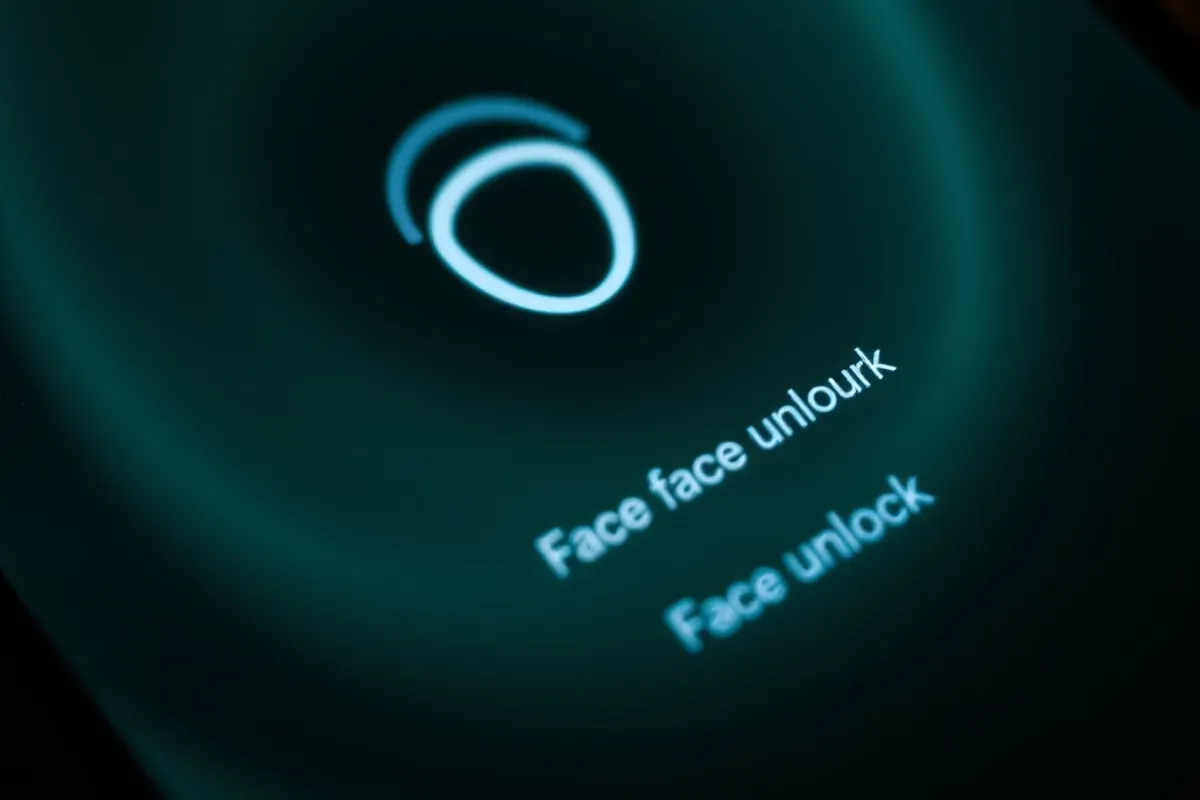
Signing in becomes a biometric check or a device PIN. On a phone it feels like unlocking the screen. On a laptop it is a fingerprint or a prompt sent to your phone. It is faster than typing a password, and it is faster than waiting for a one-time code by message, which is where most people currently lose time.
The friction appears in unfamiliar situations. If you are signing in on a borrowed computer, the flow depends on whether the other device can request a passkey from your phone over the local network. It usually works, but it is slower than typing something you already know. Public computers remain the weakest case, and that is unlikely to change soon.
Losing a phone is the question everyone asks
Consumer passkeys are typically synced through a platform account such as an iCloud or Google account, protected by end-to-end encryption. If the phone disappears, a replacement signed into the same account can use the same keys. The recovery path therefore depends on your platform account being recoverable, which is why a strong backup method for that account matters more than ever.
A passkey makes the login safer. It does not make account recovery safe on its own.
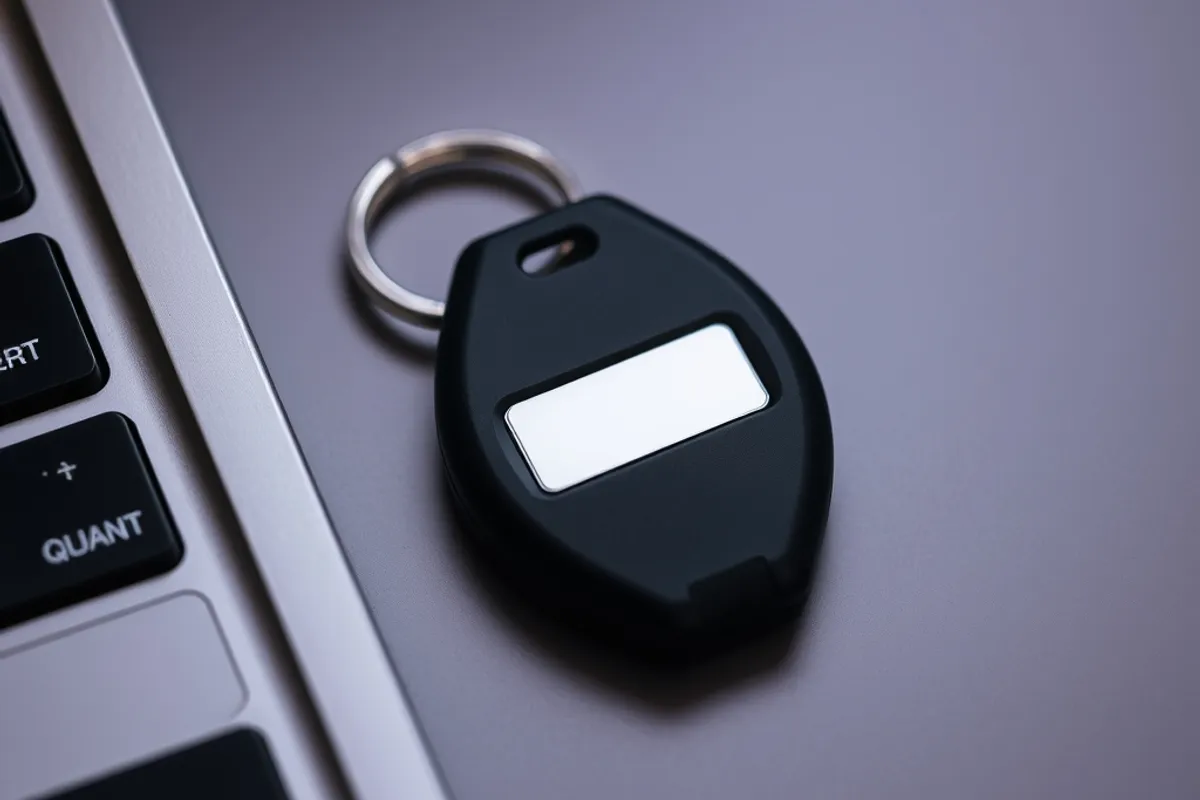
For work accounts and high-value services, you should also keep a hardware security key in a drawer as a second factor. It is the only option that survives a wiped phone, a lost laptop and a hijacked cloud account at the same time.
Where support still falls short
Consumer coverage is now broad: the large email providers, major retailers, social platforms and banking apps in most markets offer passkeys. The gaps are in business software, legacy systems and older devices that will never receive an update. Expect to keep a password manager for years yet, because you will still need stored passwords for a long tail of accounts.
Government services are a mixed picture. Some have adopted passkeys quickly because identity assurance is their core business; others are stuck on hardware tokens or SMS because of procurement cycles. If a service forces SMS codes, treat your mobile number as a security-critical asset: SIM-swap attacks still work, and a port-out lock with your carrier is worth the ten minutes it takes.

What to do this month
Start with the account that could hurt most: your primary email, because it controls password resets everywhere else. Add a passkey, keep a strong password as backup, and actually test the recovery flow once - most people discover a problem only when they are locked out. Then work through your bank and your main shopping account.
For teams, the migration is mostly policy. Require passkeys where the provider supports them, keep hardware keys for administrators, and review recovery questions that are easier to guess than they look. If you want the wider context on account security, read our ransomware defense guide or browse more cybersecurity trends. Standards and technical documentation are published by the FIDO Alliance.
Frequently asked questions
What happens if I lose the phone holding my passkeys?
Consumer passkeys are synced through a platform account such as iCloud or Google with end-to-end encryption, so a replacement device signed into the same account can use the same keys.
Can a phishing site steal a passkey?
No. The private key never leaves your device and only signs challenges for the real site domain, so a fake login page has nothing useful to capture.
Do I still need a password manager?
Yes, for now. Business software, legacy systems and older devices still require passwords, and you need a strong backup method for the platform account that protects your passkeys.
Further reading from independent sources: GSMA mobile intelligence and web.dev performance guidance.